Chowly POS Digital Ordering Integration

The Menufy and Chowly partnership enables restaurants to connect online ordering service with the following POS systems: Clover, NCR Aloha, Revel, Square, Toast, and Upserve.

Restaurants benefit from:

  • Full control from your POS system: Chowly connects your POS system to all your third-party platforms to 1) Integrate online orders directly into your POS system, and 2) Easily manage your menus with POS sync technology.

  • Simple menu management using POS sync technology: Menus are synced to third-party platforms ensuring 100% accuracy when it comes to linking items/mods to your POS. Updates made to the menu in your POS system will automatically update all of the menus on your restaurant’s third-party platforms.

  • Seamless POS integration: Chowly seamlessly integrates third-party online orders directly into a restaurant’s POS system. This eliminates manual order entry and sends the orders straight to the kitchen.


Why Chowly & Menufy Are The Perfect Combo.

01.

Set Goals

We start with a quick kickoff to understand your business.

  • Choose fulfillment: pickup, delivery, or both
  • Identify priority neighborhoods and menu focus items
  • Gather essentials (hours, taxes/fees, images, branding)
  • No website? We’ll secure and host a domain for you.
  • Already have a website? We’ll attach a branded ordering platform.
Step 1 image
02.

Build

We do the heavy lifting—then you approve.

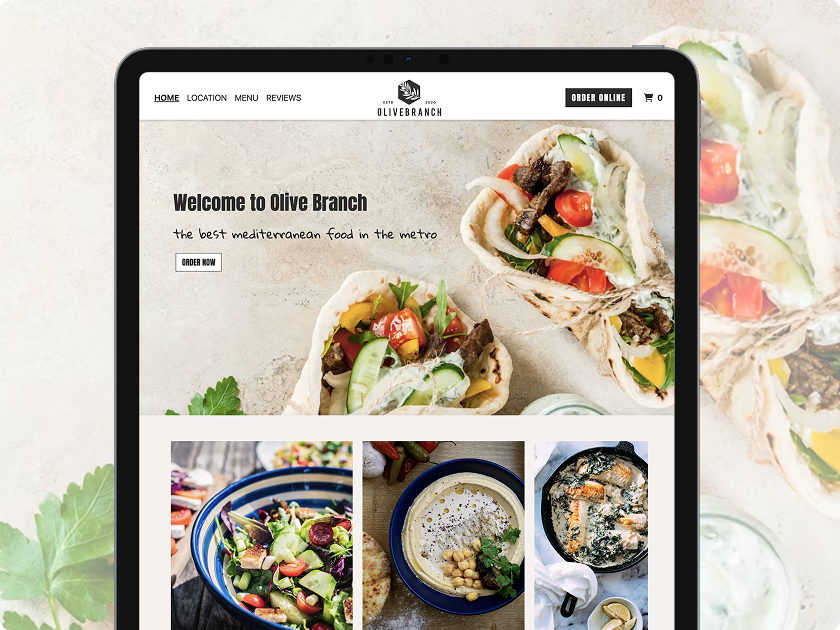
  • Mobile-optimized ordering site that matches your brand
  • Create and organize your digital menu (categories, modifiers, photos, pricing)
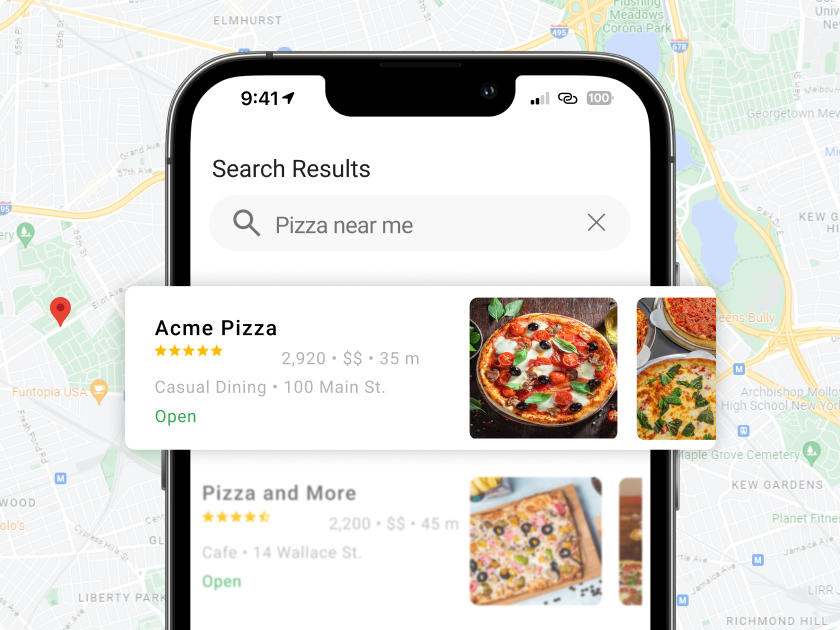
  • Improve or establish your Google Business Profile (GBP)
  • Set up payments, taxes, hours, and service areas
  • Configure chargeback-safe payments and best-practice settings
Step 2 image
03.

1:1 Expert Success Coaching

Your dedicated specialist helps you grow—step by step.

  • Turn on email and text marketing to drive repeat orders
  • Create coupons, promos, and loyalty rewards
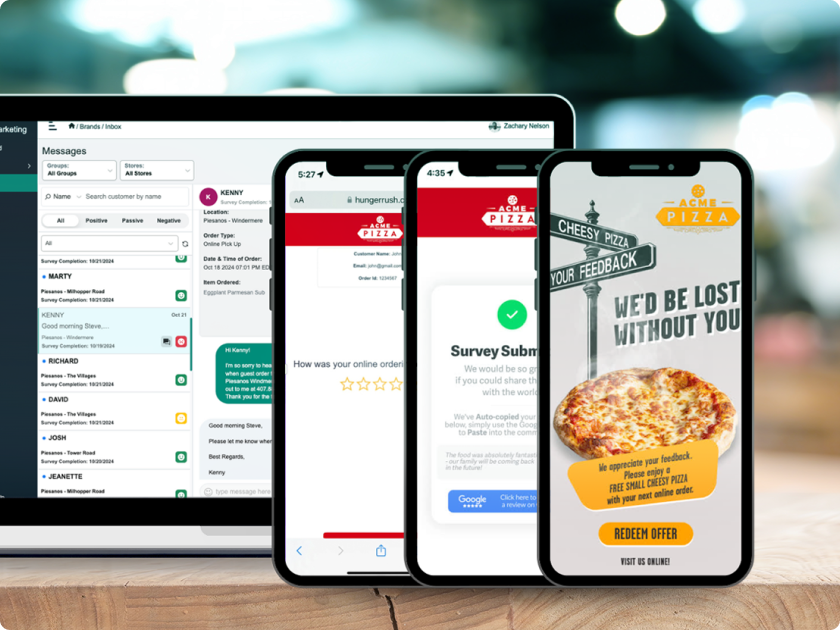
  • Activate AI-powered post-order surveys for insights
  • Set goals together and review actionable feedback
Step 3 image
04.

Monthly Business Review

Know what’s working—and what isn’t.

  • Review sales, average order value, repeat rate, and campaign performance
  • See insights from customer behavior and redemption data
  • Check simple reports in your Menufy dashboard
  • Refine marketing, listings, and local visibility
Step 4 image
05.

Continuous Success

We keep you growing—season after season.

  • Reset goals, launch new campaigns, and roll out updates
  • Tap into seasonal promos and limited-time offers
  • Expand to new locations or channels when you’re ready
  • Day or night, get multilingual support
Step 5 image

Current Menufy Clients: Get Started!

  1. To connect your existing Menufy account with Chowly, fill out this Chowly form to receive an API key.

  2. Once you receive your API key from Chowly, navigate to the POS Integration tab in Manager and hit the Configure button in the Chowly section.

  3. Enter the API key into the field and you’re all set!


24/7 Support FOR mENUFY Restaurants

Contact us at chowly@menufy.com or call (913) 738-9399 and ask to speak to a Chowly Project Coordinator.

New To Menufy?

Speak to a sales consultant Monday to Friday 9AM - 5PM Central:

(913) 380-0671 (English)
(913) 380-1930 (اللغة العربية)
(913) 380-8218 (中文)
(913) 380-4175 (Español)
(913) 380-0717 (हिन्दी)
(913) 380-1638 (한국어)
(913) 380-0899 (ภาษาไทย)
(913) 380-8123 (Tiếng Việt)